Editing Individual Medication Prices
1. Access the Medication Library
Navigate to Pharmacy → Medication Library from the main navigation menu.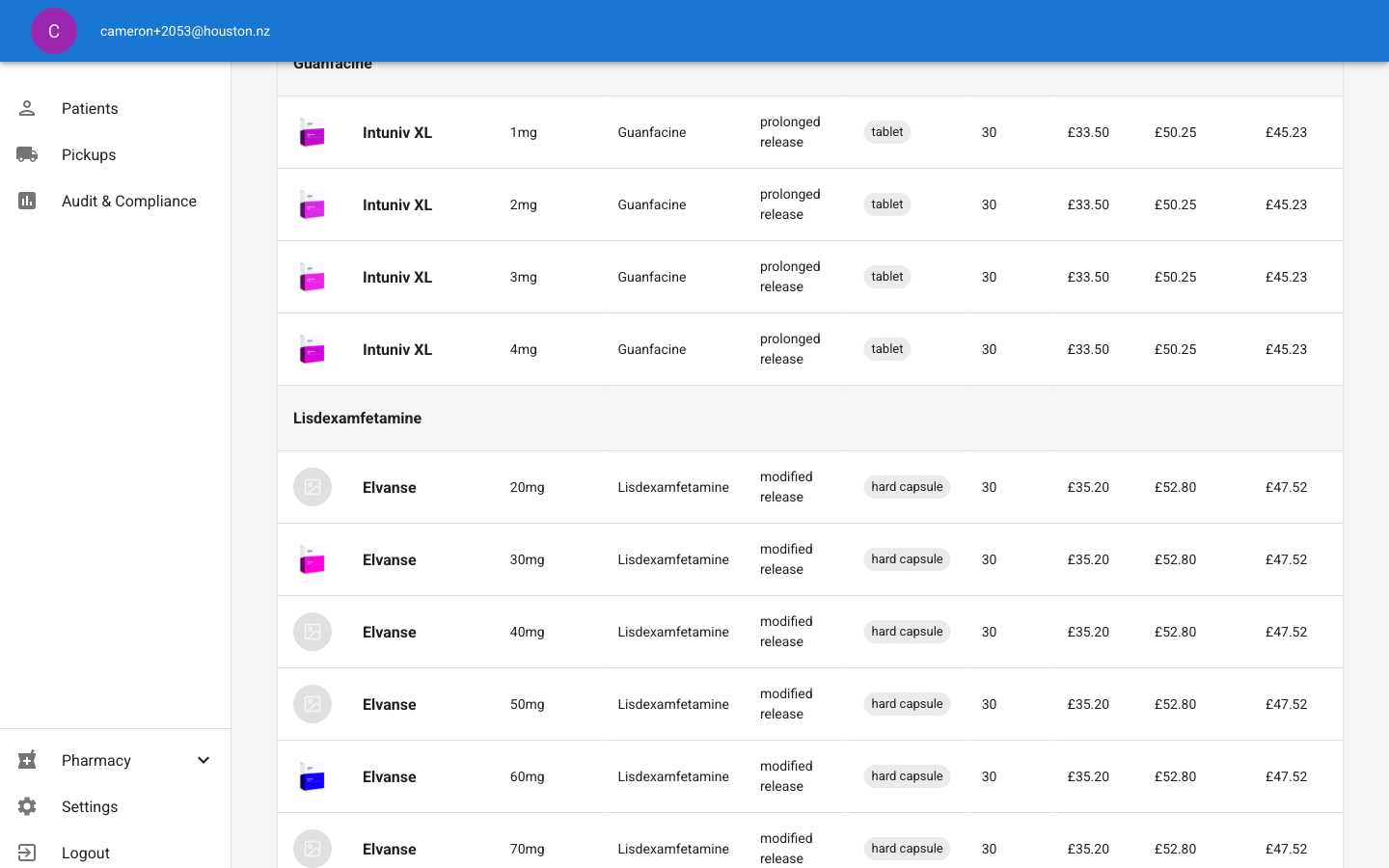
2. Open the Edit Dialog
Click the Edit button (pencil icon) for the medication whose pricing you want to update.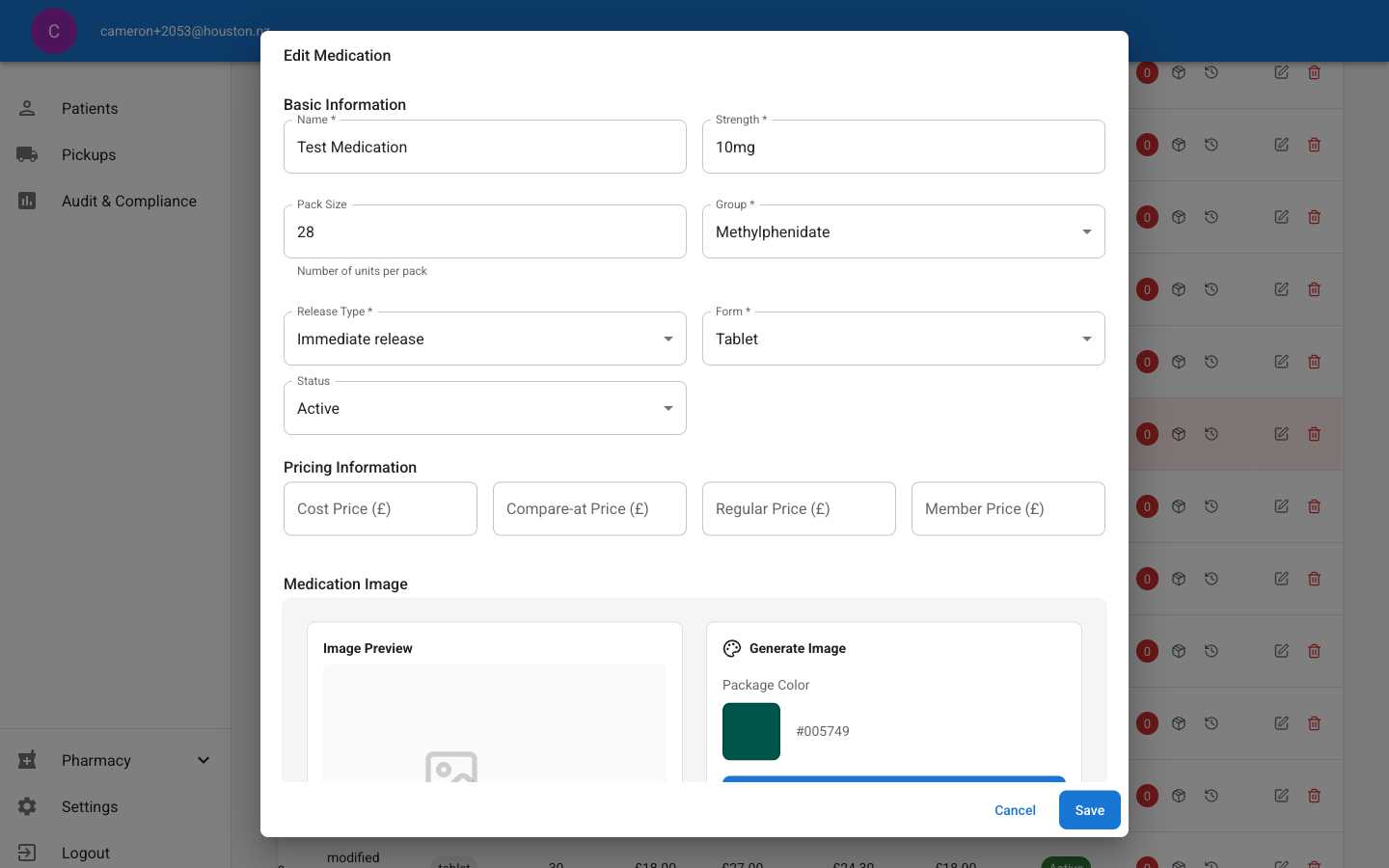
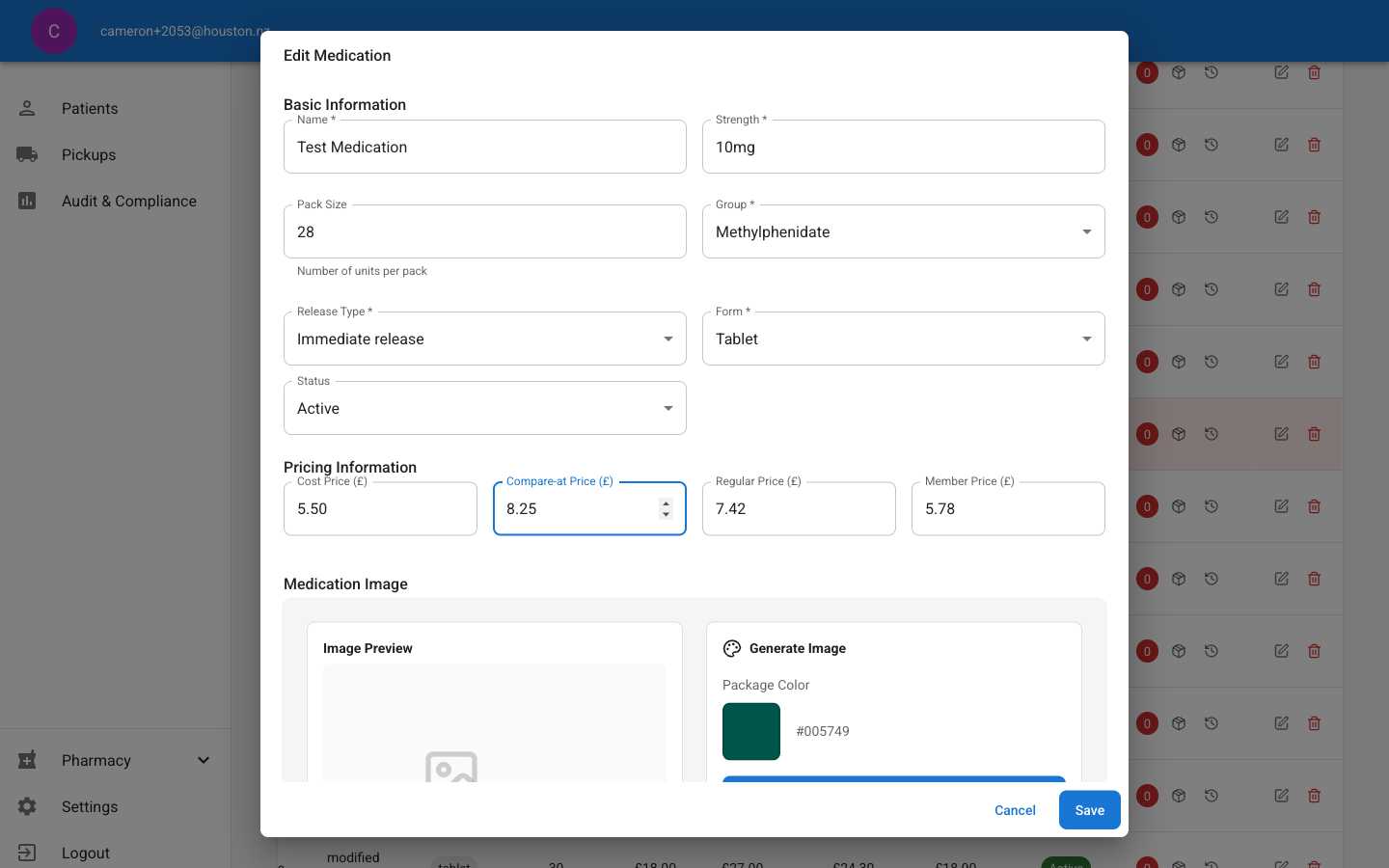
3. Update Pricing Fields
Fill in the pricing information:- Cost Price (£): Your cost to purchase the medication
- Compare-at Price (£): Reference price (often RRP or competitor price)
4. Review Calculated Prices
The system automatically calculates:- Regular Price: Customer price (typically cost + markup)
- Member Price: Discounted price for members
5. Save the Changes
Click Save to apply the new pricing. You’ll see a confirmation message.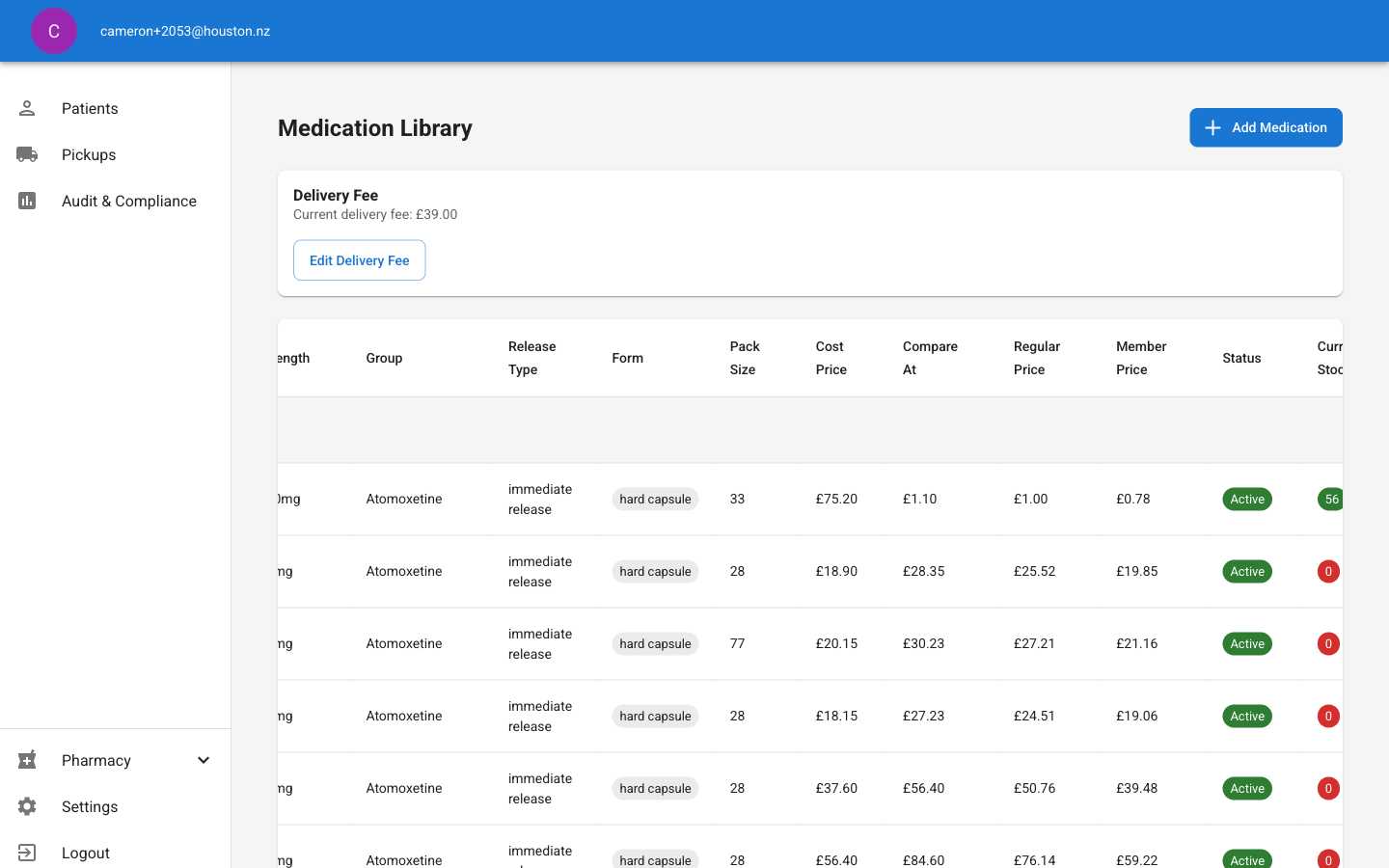
Editing Delivery Fees
1. Access Delivery Fee Settings
From the Medication Library page, click the Edit Delivery Fee button in the Delivery Fee section.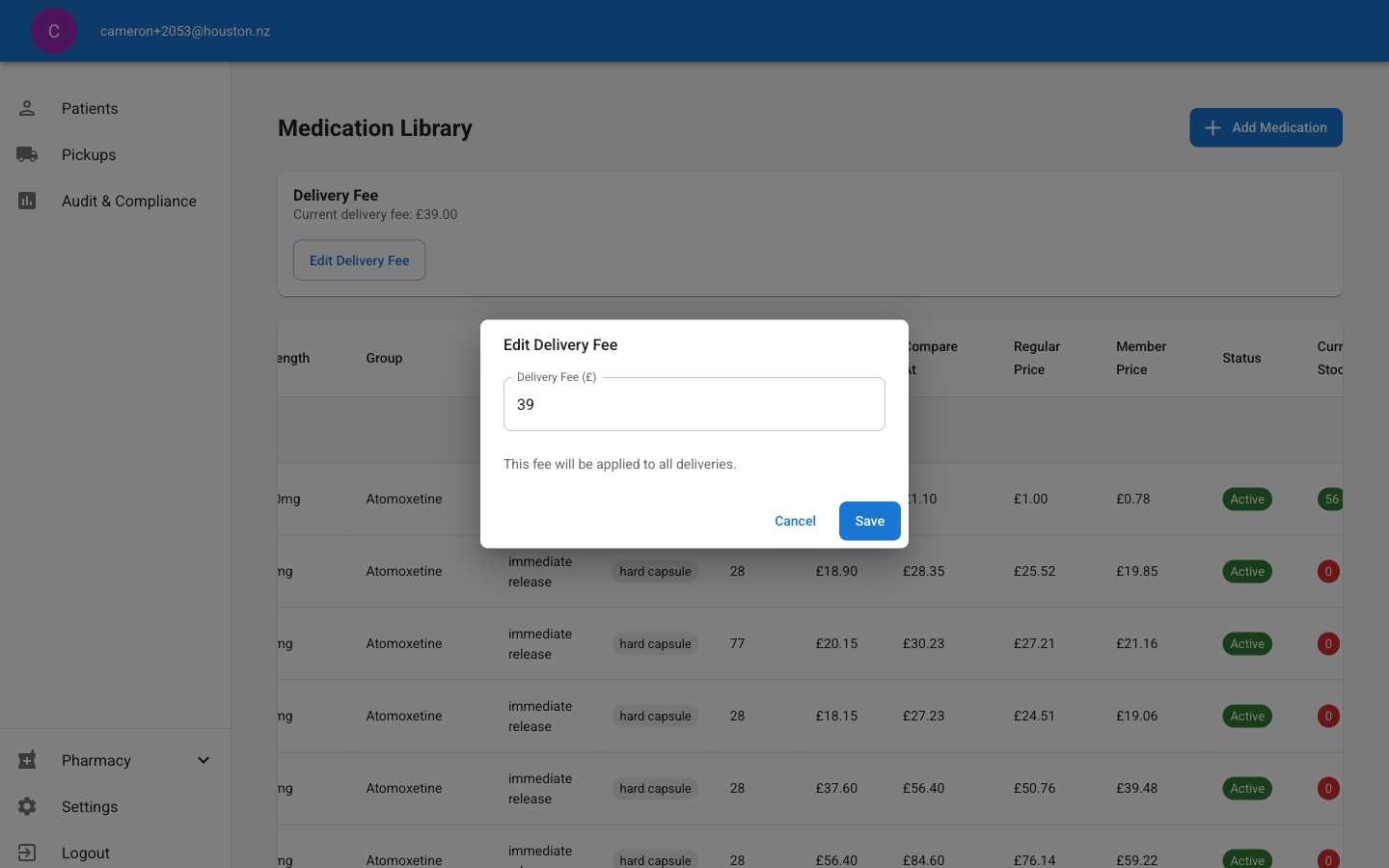
2. Update the Delivery Fee
Enter the new delivery fee amount in pounds (£).3. Save the Delivery Fee
Click Save to apply the new delivery fee. This affects all prescription deliveries.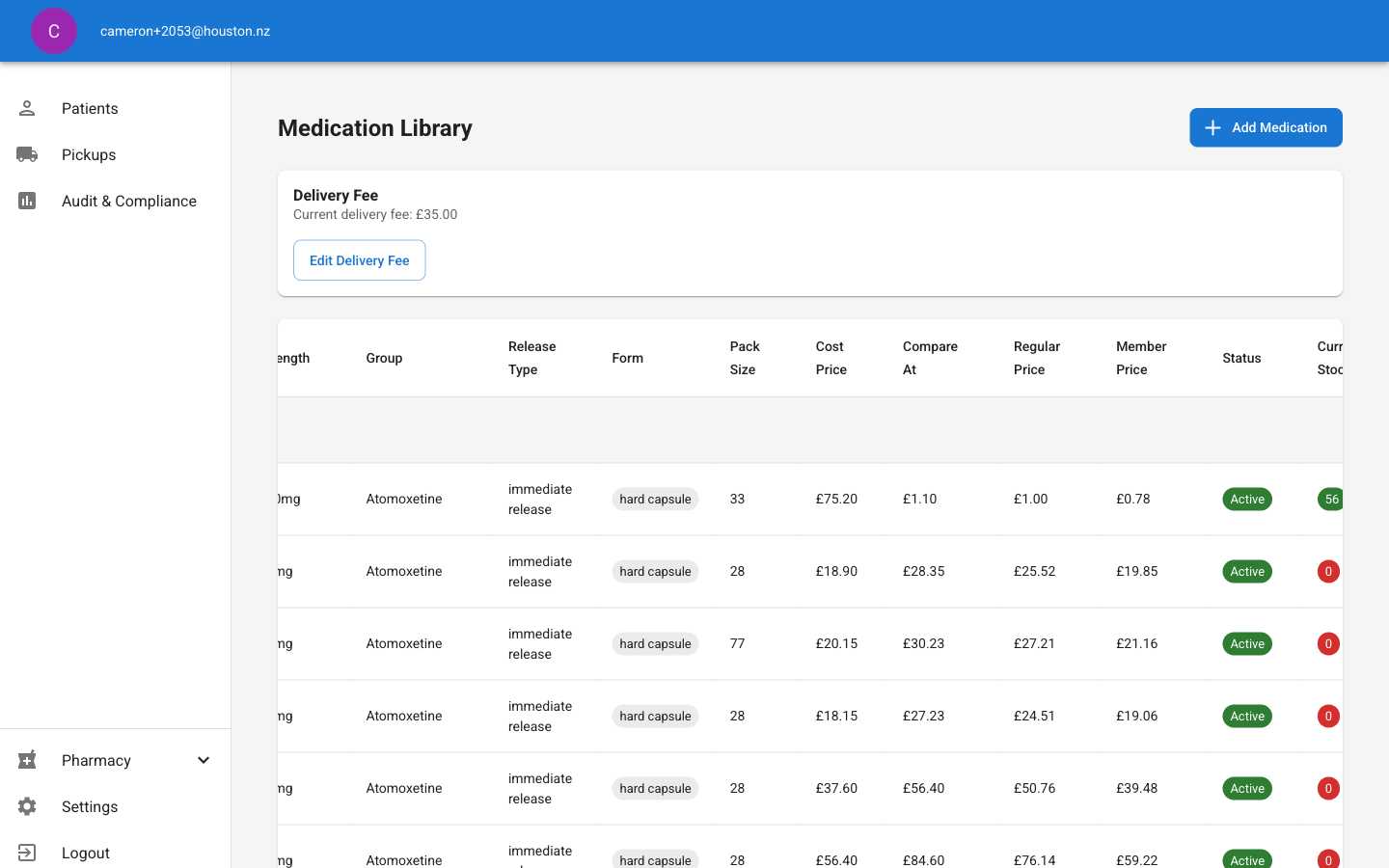
Pricing Guidelines
Cost Price
- Enter your actual wholesale cost for the medication
- Include any additional costs like shipping or handling fees
- Keep this updated when supplier prices change
Compare-at Price
- Often the manufacturer’s suggested retail price (MSRP)
- Can be competitor pricing for reference
- Helps customers understand value proposition
Automatic Calculations
The system calculates customer prices using:- Regular Price: Cost price + your standard markup percentage
- Member Price: Regular price - member discount percentage
Important Notes
- Immediate Effect: Pricing changes apply immediately to new prescriptions
- Audit Trail: All pricing changes are logged for compliance
- Currency: All prices are in British Pounds (£)
- Delivery Fee: Applies to all postal deliveries regardless of medication
- Member Pricing: Automatically applies to patients with active memberships
Best Practices
Regular Reviews
- Review medication pricing monthly
- Monitor competitor pricing
- Adjust for supplier cost changes
Markup Strategy
- Consider medication category and demand
- Factor in storage and handling costs
- Maintain competitive but profitable margins
Delivery Pricing
- Consider postal service costs
- Include packaging materials
- Review quarterly based on shipping rates
Troubleshooting
Calculated prices seem wrong: Check your markup settings in system configuration Changes not reflecting: Clear browser cache and refresh the page Cannot edit pricing: Verify you have the correct permissionsNext Steps
After updating pricing, consider:- Reviewing inventory levels for high-demand medications
- Updating patient communications about pricing changes
- Analyzing sales reports to monitor pricing impact